I'm not the guy who fixed this issue, this post is only a note for myself. Thanks to Pflugs for fixing this issue. Refs: https://stackoverflow.com/a/60232433/2348832 .
This steps below will help you to run pem package or openssl command normally on AWS Lambda NodeJS 10.x & 12.x.
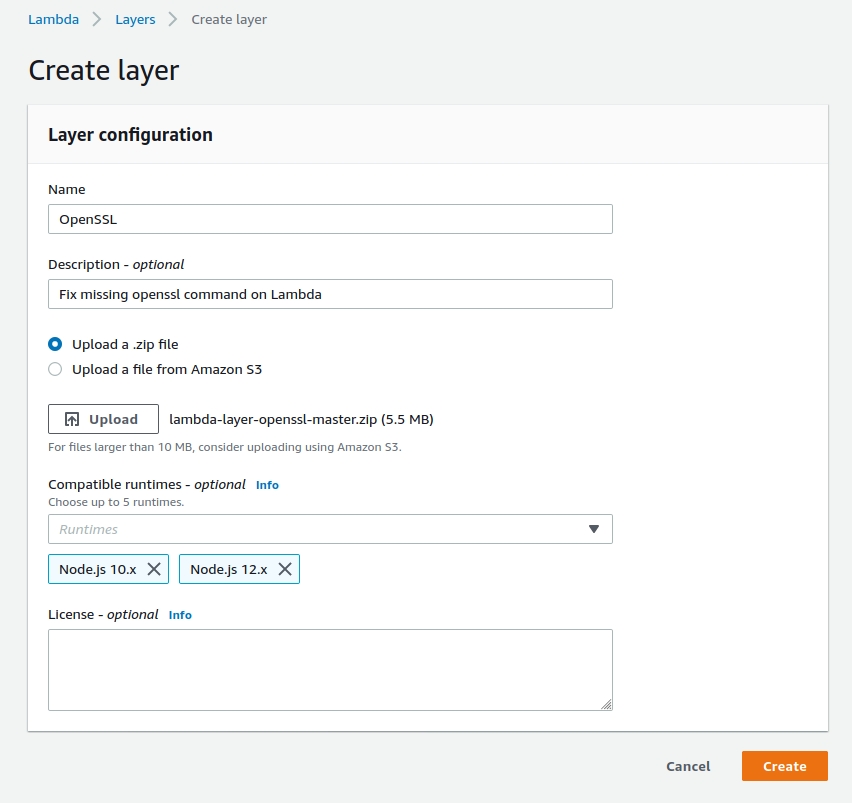
Create Open SSL Layer
Follow Pflugs' steps, I have created the Lamba OpenSSL Layer. If you trust me, you can download it from here . If you don't, just follow his steps to create one.
Add the layer on AWS
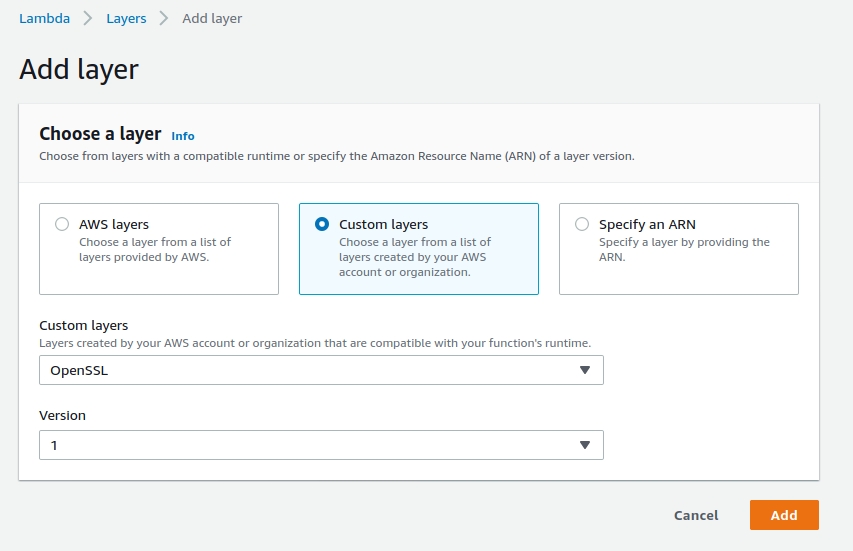
Add the Lambda Function Environment variables
| LD_LIBRARY_PATH | /var/lang/lib:/lib64:/usr/lib64:/var/runtime:/var/runtime/lib:/var/task:/var/task/lib:/opt/lib:/opt/nodejs/openssl/lib |
| PATH | /var/lang/bin:/usr/local/bin:/usr/bin/:/bin:/opt/bin:/opt/nodejs/openssl/bin |
| OPENSSL_CONF | /opt/nodejs/openssl/openssl.cnf |
It's done. pem package or openssl command now should both work!



3 Comments